

Pause any stream and you are looking at a single frame. It feels like a fixed thing, a picture that was simply sent to you. In reality that frame has already lived several lives. It started as a large, clean image on a studio workstation, then was reduced, cut up, duplicated on servers in other cities, and finally reassembled by a small chip inside your television, phone or headset.
Each of those stops can protect the frame or wear it down. Following one frame along the whole route is the easiest way to understand why an excellent screen sometimes shows a disappointing picture, and what to look for in a service if you care about how things look.
01Chapter one: the master frame leaves the studio
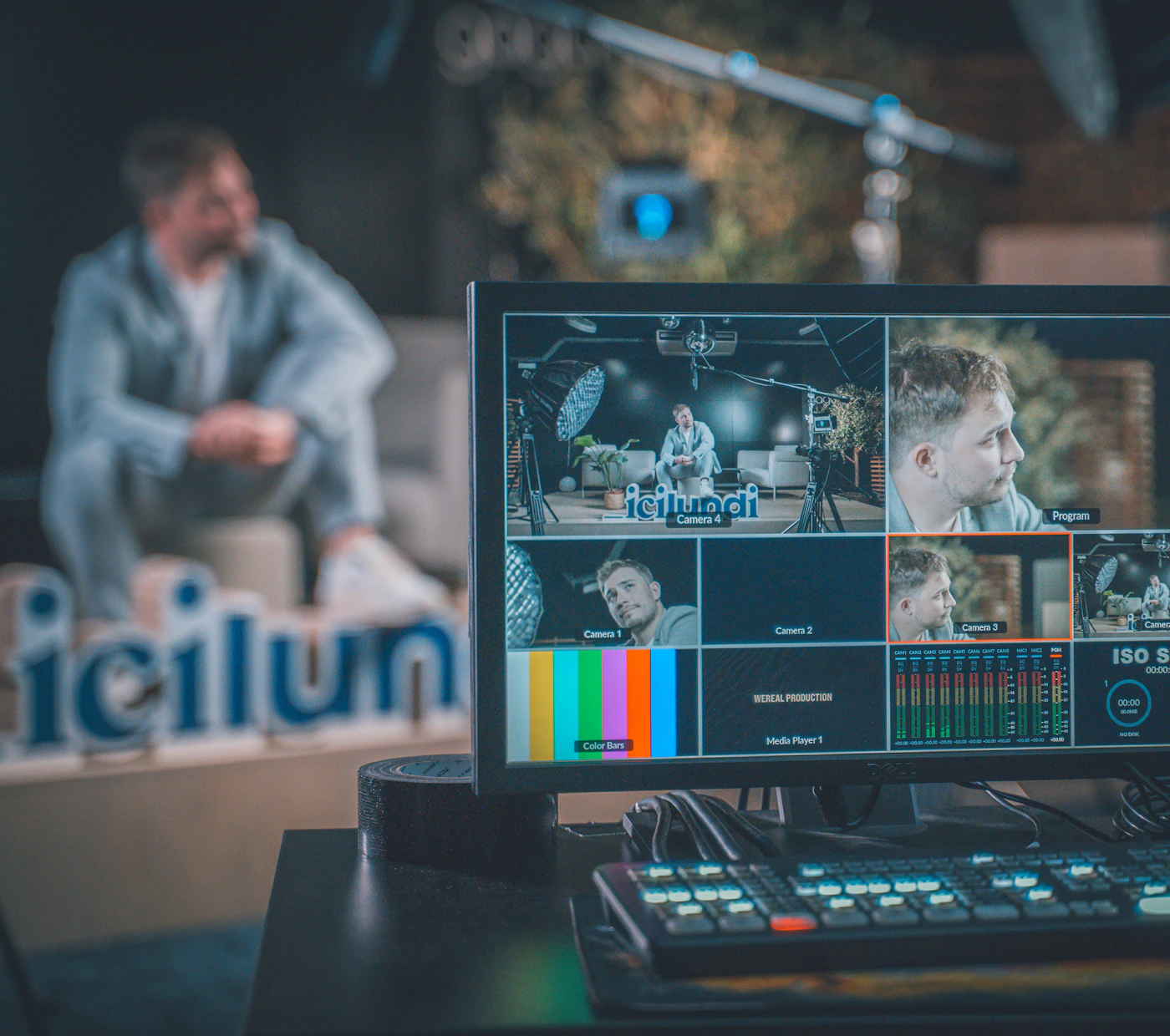
Our frame begins at full strength. On the editing system it carries every strand of hair, every speck of film grain and every soft shift of color in the shadows. At this stage it is far too heavy to send to millions of homes, so the first job is to decide how much data the trip can afford.
That allowance is called bitrate: the amount of data spent on the video every second. It is a separate question from resolution, which only counts how many pixels the frame is divided into. A 4K frame has about four times the pixels of a 1080p one, but the pixel count says nothing about how well each pixel will be described.
When the data allowance is generous, the encoder can keep textures such as fabric, skin and wood. When it is tight, the encoder has to simplify, and fine detail turns into smooth, plastic-looking patches. This is the first fork in our frame's road, and it is decided long before you press play.
So a 1080p frame that travels with plenty of data can arrive looking cleaner than a 4K frame that was sent on a strict budget. Resolution is the size of the canvas; bitrate is how much paint you are allowed to use.
02Chapter two: the squeeze inside the codec
Next the frame passes through a codec, the method that packs video small enough to travel and unpacks it again on arrival. H.264 is the veteran that nearly every device understands. HEVC and AV1 are newer and can usually keep more detail at the same data rate, as long as the receiving device knows how to decode them.
A codec does not shrink every part of the frame equally. It spends most of its budget where viewers tend to look: bright areas, sharp edges, things in motion. Quiet regions, especially dark ones, get less. If our frame happens to show a night street or a candle-lit room, this is where it is most likely to be damaged.
The damage has a name. Smooth gradients break into visible steps, called banding, and deep blacks dissolve into soft blocks. A stream that looks fine in daylight scenes but murky after dark is usually showing you the codec's shortcuts, not a flaw in your display.
03Chapter three: sliced into segments and stacked on a ladder
Our frame is not shipped alone. It is bundled with its neighbours into a short segment, usually a few seconds of video. That segment is then encoded several times over, each copy at a different quality level, from a light version for weak connections to a rich version for fast ones.
Engineers call this set of versions a ladder, and it is the core of adaptive bitrate streaming, or ABR. Your player looks at how quickly recent segments arrived and asks for the next one from whichever rung it can fetch without stalling.
The result is that our frame may reach you in more than one form depending on the moment. If a family member starts a large download, the player can step down a rung instead of freezing; when the line clears, it climbs back up. A good ladder with a strong top rung gives the player something worth climbing to.
04Chapter four: crossing the network
Now the segment carrying our frame has to physically reach you. If every request went back to one central server, start times would be slow and quality would drop whenever traffic spiked. Content delivery networks, or CDNs, solve this by placing copies of the segments on servers spread across many regions.
When you press play, your player is pointed at a nearby copy rather than one on the far side of the country. Shorter trips mean the first frame appears sooner and the connection is less likely to wobble, which lets the adaptive player stay on the higher rungs of the ladder for longer stretches.
In other words, the network does not change the pixels in our frame, but it strongly affects which version of the frame you are sent.
A frame is only as good as the weakest stop on its route. The screen is simply the place where you finally see the result.
05Chapter five: rebuilt by the decoder in your device
The last stop is the shortest and the busiest. The compressed frame lands in your device and has to be unpacked into full pixels many times every second. Devices that use dedicated video hardware for this job play more smoothly and stay cooler than those that lean on general processing power.
A desktop graphics card usually has headroom to spare. A phone relies on a compact media engine that must stay efficient to protect battery life. A VR headset has the hardest task of all: it draws a separate image for each eye, close to your face, where any softness or stutter is magnified. Players built for each type of hardware give our frame the best chance of arriving intact.

06Chapter six: two kinds of road for the same frame
Put the chapters together and a pattern appears. The same frame can take a careful route or a hurried one, and the type of platform usually decides which.
The volume road: general free platforms
Built to serve huge amounts of video on shared, low-cost infrastructure. Compression tends to be heavier, quality can change from one title to the next, darker scenes often show banding, and pages commonly carry advertising and tracking scripts.
The careful road: curated media networks
Built around a selected library and a delivery setup intended for higher-quality playback. The aim is a more consistent standard across titles and a simpler interface, so the frame spends less of its journey being cut down.
07Chapter seven: a membership built around the careful road
If you own a capable display, a recent phone or a VR headset, a curated membership is one way to make sure frames arrive closer to how they left the studio. The service featured on this page is a paid membership that opens a large catalog of curated media titles, arranged in a structured library similar to mainstream media platforms.
The provider presents its library around high-definition playback streams with a streamlined interface described in its terms. Playback can be synchronized across desktops, smartphones and VR headsets, so you can start on one device and continue on another. Account setup options and privacy settings are explained during registration, and billing details are displayed at checkout. Please read the membership terms and billing information carefully before you buy anything. The membership is intended for adults only.
See the Plan